

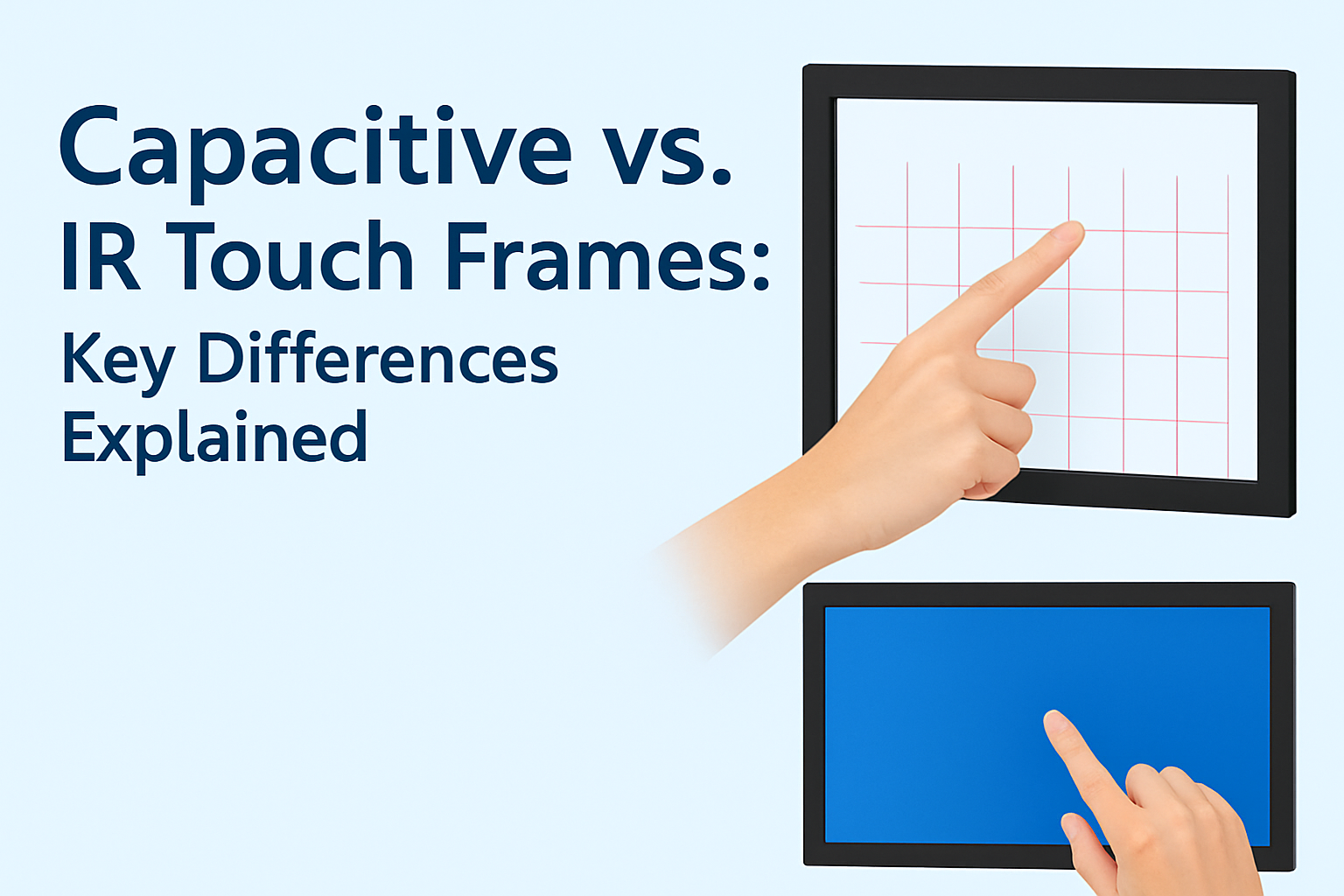

When it comes to upgrading or building an interactive display, choosing the right touch frame technology can make all the difference. Two of the most popular options on the market are Infrared (IR) touch frames and Capacitive touch frames. While both enable touch interaction, they work in different ways and offer unique advantages for different applications.
In this guide, we will explain how each technology works, compare their pros and cons, and help you choose the best solution for your project.
1. How IR Touch Frames Work
An IR touch frame uses a grid of invisible infrared light beams across the surface of the display. When a finger or any object breaks the light beam, the touch position is detected.
Key Features:
-
Works with any object: finger, stylus, glove, or even a pen cap
-
Supports multi-touch (up to 40 points, depending on model)
-
Easy to install on existing displays without major modifications
Typical Applications:
-
Large-format displays (32″ to 86″+)
-
Interactive whiteboards in schools
-
Kiosks and information terminals
-
Museum and exhibition displays
2. How Capacitive Touch Frames Work
A capacitive touch frame detects touch through changes in the electrical field across the glass surface. It requires direct contact with a finger or a conductive stylus.
Key Features:
-
Highly responsive and accurate
-
Smooth glass surface with modern look
-
Supports multi-touch gestures like zoom and swipe
-
Works best with bare fingers or special stylus pens
Typical Applications:
-
Retail point-of-sale (POS) systems
-
Smartphones and tablets
-
Premium interactive kiosks
-
High-end gaming machines
-
3. Side-by-Side Comparison
| Feature | IR Touch Frame | Capacitive Touch Frame |
|---|---|---|
| Touch Method | Any object (finger, glove, stylus) | Finger or conductive stylus |
| Durability | Resistant to scratches, works in dusty environments | More scratch-sensitive, needs clean surface |
| Accuracy | Good for large screens | Excellent for smaller/medium screens |
| Weather Resistance | Can be sealed for outdoor use | Limited outdoor performance |
| Cost | Generally more affordable for large sizes | Higher cost for large sizes |

4. Which One Should You Choose?
- Choose IR Touch Frames if you need large-size displays, outdoor usage, or compatibility with any touch object.
- Choose Capacitive Touch Frames if you prioritize sleek design, high precision, and smartphone-like responsiveness.
5. Our Custom Touch Frame Solutions
At U-touch, we specialize in custom-size IR and capacitive touch frames to fit displays from 32 inches up to 200 inches. Whether you are upgrading an interactive kiosk, building a digital signage network, or installing a control room display, we can provide a tailored solution with:
- Custom dimensions and aspect ratios
- Multi-touch support
- Industrial-grade durability
- Fast global delivery
📩 Contact us today to discuss your project and get a free quote!
